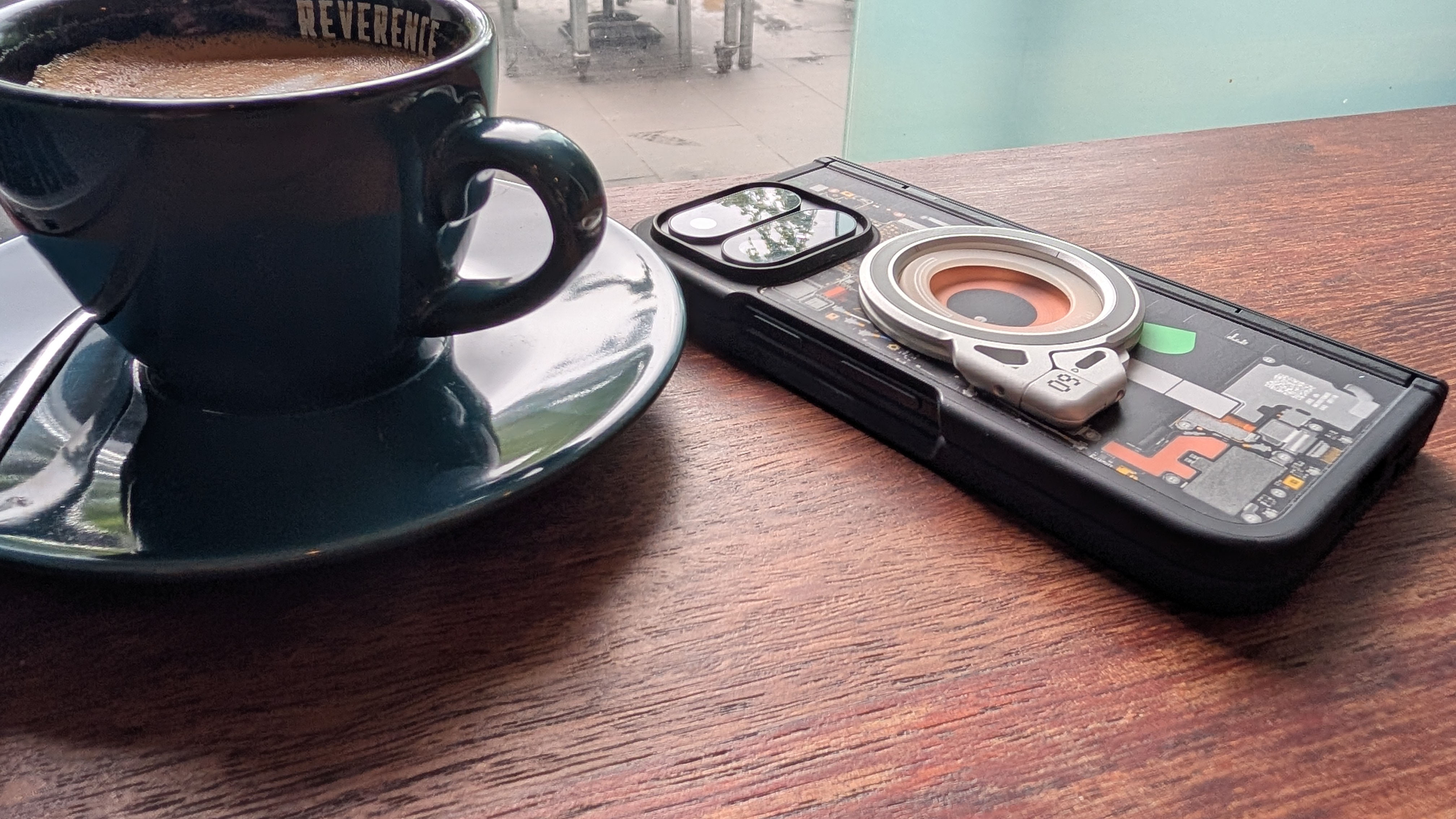
I run this business from a Pixel 11 Pro Fold.
My wife has a Pixel 8 Pro.
My daughter a pixel 7 Pro.
My son a Pixel 6.
I assume you're sensing a trend... Pixels everywhere!

This may sound like obsessive brand loyalty, or maybe it sounds like it's just about taking nice family photos. These assumptions are way off, the Pixel proliferation is actually about security, specifically, fast and uncompromised software updates.
When the device in your pocket is essentially the control panel for your business, your banking, and your digital life, the speed at which it receives security patches becomes a critical pillar of your business resilience. But what happens when that perfectly capable piece of hardware stops receiving those essential updates?
The Criticality of Quick Patching
Let me take a moment to acknowledge my folding phone. I actually hate modern folding phones. I like the idea of them, but the delicate inner screen, the hinge mechanisms and the overall fragility of the devices does not sit well with me. Still I run my business from one. Why? Well because when I'm on the road, it's the nerve centre of my business operations. I use it to do banking, if I'm logging into a client's environment it's usually where I receive two-factor authentication (2FA) codes. Email, messages and phone calls (you know, the obvious stuff) all on a phone. It's a critical business device, so the ability to instantly get extra screen realestate or put two windows side-by-side drove me towards the folding form factor. But these devices aren't just convenient for us; because we cram so much sensitive & commercial data into a single device, it is naturally a high-value target for cyber criminals too.
This brings us to the importance of mobile software updates. In the cybersecurity world, when a new vulnerability is discovered in an operating system, it’s a race against the clock. Threat actors scramble to exploit the flaw, while developers scramble to patch it. A platform that provides rapid, direct-from-manufacturer security updates—without being delayed by third-party carriers or regional rollouts—is essential. Look at the incredible pace of AI-discovered security vulnerabilities, this is only becoming harder not easier.
If you are running your business from a device that routinely waits three to six months for a security patch, your digital workflow is exposed, waiting for the device manufacturer to get around to patching.
When Great Hardware Expires
While timely updates are fantastic, there is a frustrating reality we all eventually face: End of Life (EoL). This is the hard (sometimes arbitrary feeling) date set by a manufacturer when a device will no longer receive guaranteed security updates.
This brings me to my son’s Pixel 6. Released back in October 2021 with a commitment to five years of security updates, it has officially hit its EoL cliff this month. I'm not going to sugar coat it - it's incredibly frustrating. Pick up the Pixel 6 today, and it still feels perfectly competent. The screen is bright, the battery (amazingly) holds a decent charge, the apps run smoothly, and the camera is fantastic. From a hardware perspective, it has years of life left. From a software security perspective, however, it's out in the wilderness.
This invisible degradation of security is a hidden cost that needs to be considered. When a laptop screen shatters or a printer refuses to power on, the need for replacement is obvious. But an unpatched, EoL smartphone doesn't feel broken. It continues to work exactly as it did yesterday, but with every passing week, it becomes more vulnerable to newly discovered exploits that will never, ever be fixed.
Threat Modelling at the Kitchen Table
Because my son’s Pixel 6 is no longer receiving security updates, I had to make a risk management decision (yes I'm serious), the exact kind of threat modelling we do for our clients at secureAF, just applied at the kitchen table - coffee in hand.
Do we throw out a perfectly good phone? Not quite yet. Our children's devices are usually parental hand-me-downs, heavily locked down by family safety controls. Right now, my son primarily uses his phone for emergency calls, communicating with family, and as a camera (remember I said heavily locked down). He isn't using it for commercial purposes, nor is it linked to significant financial assets. For the time being, we have decided to accept the risk and keep the device in service for his specific, low-stakes use case.
However, we have drawn a very hard line in the sand: the minute he needs to install a mobile banking app, or requires access to services that demand higher security, that Pixel 6 will be retired immediately. It is a calculated risk assessment that I will have to repeat in a year’s time when my daughter’s Pixel 7 Pro reaches its own update cliff.
From Family Rules to Business Realities
The decision we made for a child's phone is a perfect microcosm of the decisions small business owners must make regarding their mobile fleets and Bring Your Own Device (BYOD) policies.
As more of your business processes move to mobile devices (from Xero and Microsoft 365 to Slack and banking apps) your exposure to mobile threats increases exponentially. If you have staff accessing company data, client emails, or internal networks on older, unpatched personal devices, they are unwittingly carrying a significant vulnerability right into the heart of your business.
To protect your business, you need a mobile security strategy. This means shifting from a reactive mindset to a proactive one. Consider implementing the following foundational steps:
- Audit Your Devices: Do you know what devices are currently accessing your business data?
- Track the EoL Dates: Map out the guaranteed update lifespans for all business-critical devices, and budget for their replacement before they fall off the security cliff. This step is incredibly easy with modern AI tools, compile the list of devices and let the AI find and compile the EoL dates.
- Set Clear BYOD Boundaries: If staff are using personal devices for work, implement policies that require their operating systems to be supported and fully updated. If a phone cannot receive security patches, it should not have access to company data.
- Invest in Longevity: When purchasing new business devices, factor in the software support window - make it part of the Total Cost of Ownership calculation. Google, Apple and Samsung are just a few of the manufacturers promising longer software support.
Conclusion: Don't Let an Expired Phone Cost You Your Business
It is easy to look at a perfectly functioning, three or four-year-old smartphone and think it has plenty of time left. Unfortunately, in a landscape where cyber threats are becoming increasingly automated and sophisticated, relying on an unpatched device for your business operations is a risk you simply cannot afford to take (or if you do, do it consciously). Hardware longevity means very little if the software powering it is silently leaving the back door wide open.
As business processes increasingly rely on the devices in our pockets, understanding your real exposure to mobile threats is vital. If you aren't sure whether your current mobile fleet is secure, or if you need help designing a robust mobile security strategy and BYOD policy for your staff, we are here to help.
Reach out to the team at secureAF today to book an Expert Cyber Security Consultation, and let’s ensure the devices powering your business are actually protecting it.