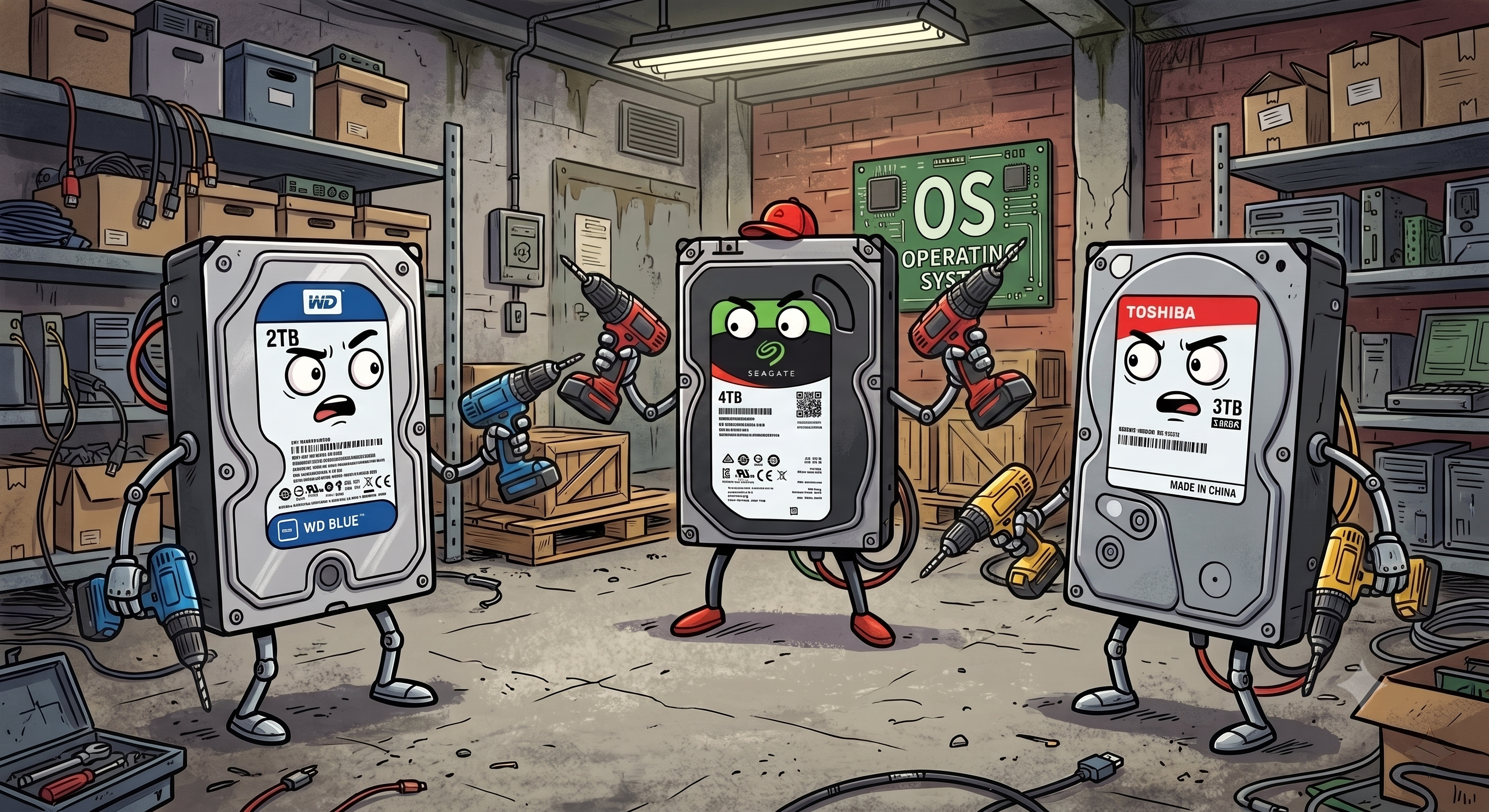
Sometimes data disposal gets physical. I was reminded of this yesterday as I finally dismantled my old server racks and prepared everything to be taken to a resource recovery centre (even the tip gets a fancy title now!). My servers pre-date secureAF, they date back to a time when I was running technical labs to keep my personal skills sharp. I know I didn't have any customer data on them, but I couldn't tell exactly what was on them:
- The servers were too old to fire up
- The interfaces on the disks were too old to load them externally (anyone remember SCSI?)
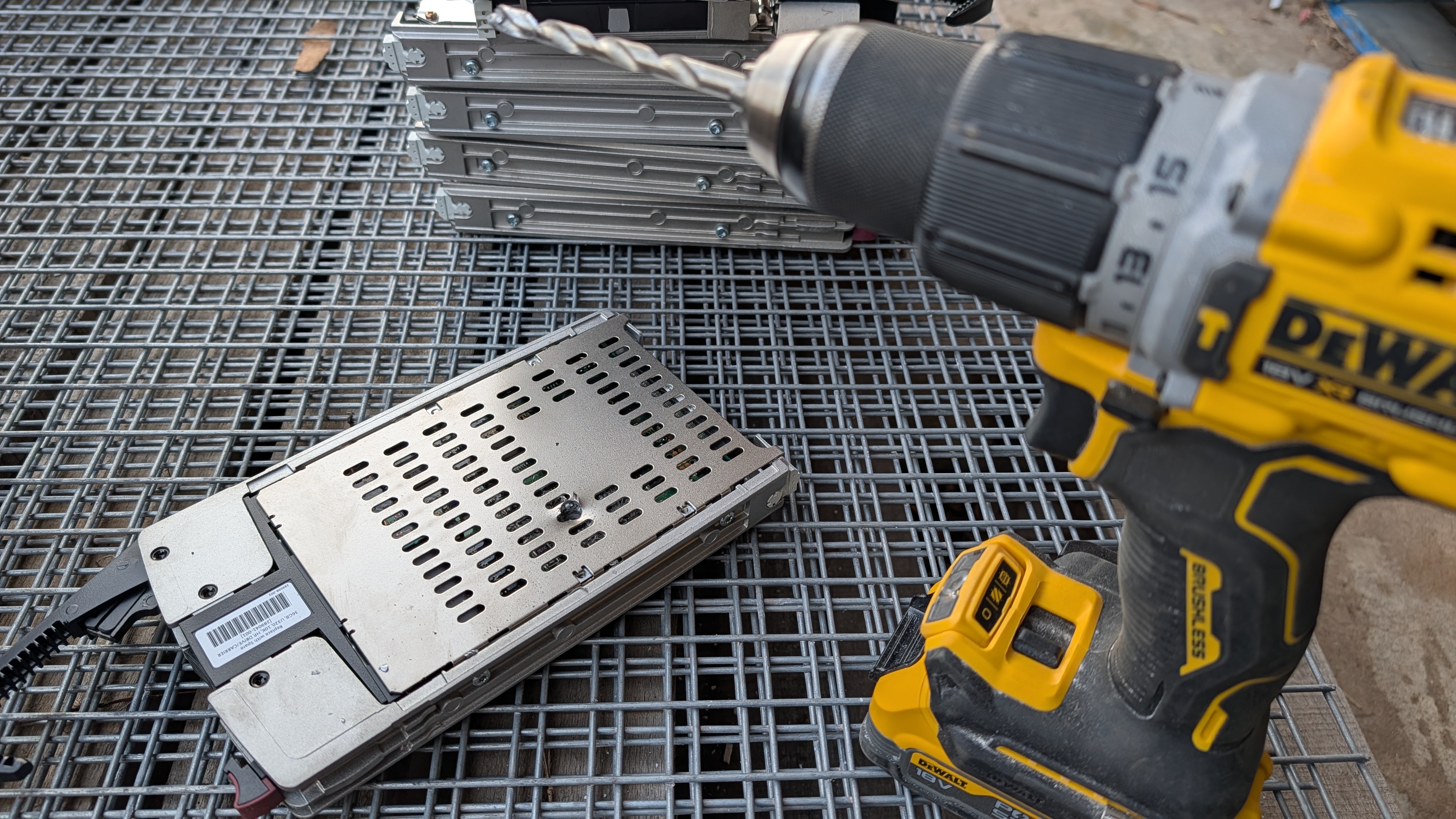
In short, I needed a "good enough" mechanism to wipe the disks - I reached for my drill.
But this isn't just about an old home lab, there is a quiet corner in almost every Melbourne small business office - a desk drawer, a cardboard box at the bottom of the server cupboard, or a shelf piled high with retired laptops and dusty desktop computers. All this equipment is often sitting around due to a paralysing mix of data security anxiety, eco-guilt or it just being another job to do in an endless list. Old IT equipment is tricky: you know that throwing them out is illegal under Victorian law, but paying a specialised IT asset disposal courier to securely destroy a handful of five-year-old drives feels like overkill (and a needless expense) for a growing business.
So, your hoard of old drives sit in limbo, gathering dust while continuing to pose a silent data breach risk under the Australian Privacy Principles (APPs). But data disposal does not have to be an all-or-nothing dilemma. Whether you are looking to repurpose hardware to stretch your IT budget or you are getting ready to introduce a power drill to an old hard drive, understanding your options will help you protect your business, comply with local regulations, and do the right thing by the environment.
The Lifecycle Dilemma
Before you reach for the toolbox or book a recycling drop-off, pause and evaluate whether that hardware still has a role to play in your Business Resilience strategy. Not every decommissioned drive belongs in the scrap heap; many can be safely wiped and repurposed to add valuable redundancy to your operations.
For example, a working drive retired from a primary workstation could be re-imaged and deployed into a home office setup as part of your Work From Home (WFH) Solutions, or installed in a local secondary Network Attached Storage (NAS) array. In these secondary storage environments, drives are often configured with higher fault tolerance, where two or more drives can fail simultaneously without causing operational downtime or data loss.
However, whether repurposing is viable depends entirely on your business’s unique risk profile and what was originally stored on the disks:
- If the drive held general marketing assets or non-sensitive internal software, a certified software wipe (clearing all addressable locations) is usually sufficient before redeployment.
- If the drive processed payroll, medical records, tax file numbers, or sensitive legal documents, the risk of accidental data persistence often outweighs the minor cost savings of reusing a $50 hard drive. In these cases, permanent destruction or dedicated cryptographic erasure is non-negotiable.
Let's talk Crypto Shredding
If your business has adopted modern cyber security practices, you might not need to physically destroy a working drive at all. Enter crypto-shredding - a sleek, software-based destruction method that relies on encryption rather than brute force.
Think of crypto-shredding like placing your most sensitive documents inside an impenetrable, fireproof safe, locking the door, and then throwing the only key into a volcano. If your drives were deployed with full-disk encryption enabled from day one, every single file on that drive is scrambled using a complex cryptographic algorithm.
When the time comes to decommission the machine, you simply execute a command that permanently deletes the encryption keys stored on the device's security chip. Without those keys, the data remaining on the drive is instantly rendered into meaningless, unreadable white noise. This satisfies privacy compliance requirements while leaving the physical hardware 100% intact and ready for reuse in your office or safe donation to a local charity.
But what about drills?
What happens when a drive is completely dead and won't spin up? Or what if you stumble across an ancient desktop drive with a legacy IDE or SCSI connector that you can no longer plug into a modern computer to run a software wipe?
In these situations, physical destruction is a practical, cost-effective, and "good enough" approach for micro and small businesses. Taking a power drill to a hard drive physically shatters the data storage tracks on the platter, making standard data recovery economically impossible for opportunistic snoopers, dumpster divers, or identity thieves.
A quick regulatory caveat: While DIY drilling is a simple, pragmatic measure for general operational data, it is not a compliance silver bullet. If your business operates in a heavily regulated sector (such as healthcare, financial services, or legal practice) with strict compliance reporting under the APPs, drilling a hole in a drive in your back shed will not pass an audit. For strict regulatory compliance, you must engage a certified IT Asset Disposition provider who will run your drives through an industrial shredder and issue a formal Certificate of Destruction.
Isn't drilling irresponsible?
No.
I've come across the misconception that physically defacing a hard drive makes it ineligible for e-waste recycling. Municipal drop-off centres, electronics retail take-back programs, and commercial scrap recyclers will happily accept drilled hard drives without issue. The kicker? They don't care about a drill hole because the first step in recycling a hard drive is to run them through massive industrial shredders to separate the core materials. Yup, no one's dismantling these old hard disks by hand. Into the shredder they go.
A drill bit passing through the chassis removes a negligible fraction of a percent of the valuable material in the drive. From a raw scrap perspective, the value of the drive remains virtually 100% intact. However, physical destruction does change how the drive is processed: it restricts the unit exclusively to the raw material smelting pipeline, completely ruling out any possibility of professional refurbishment or circuit board harvesting. That very same refurbishment, or in some cases dumpster diving, is the very security risk we're trying to avoid.
If you pick up the drill - a note on safety
Before you start waving a drill around you MUST be aware of the safety risks.
Shattered Glass Platters While most older 3.5-inch desktop drives typically use aluminum platters, many modern 2.5-inch laptop hard drives use glass or ceramic. When a drill bit hits a glass platter, it does not just bore a clean hole - it shatters the disk into thousands of tiny, needle-sharp glass shards inside the casing.
Metal Burrs and Shavings Drilling through the outer aluminum shell generates fine metal shavings and sharp burrs around the exit wound that can easily slice fingers or leak into transport bins.
If you take this approach you need to follow a few steps:
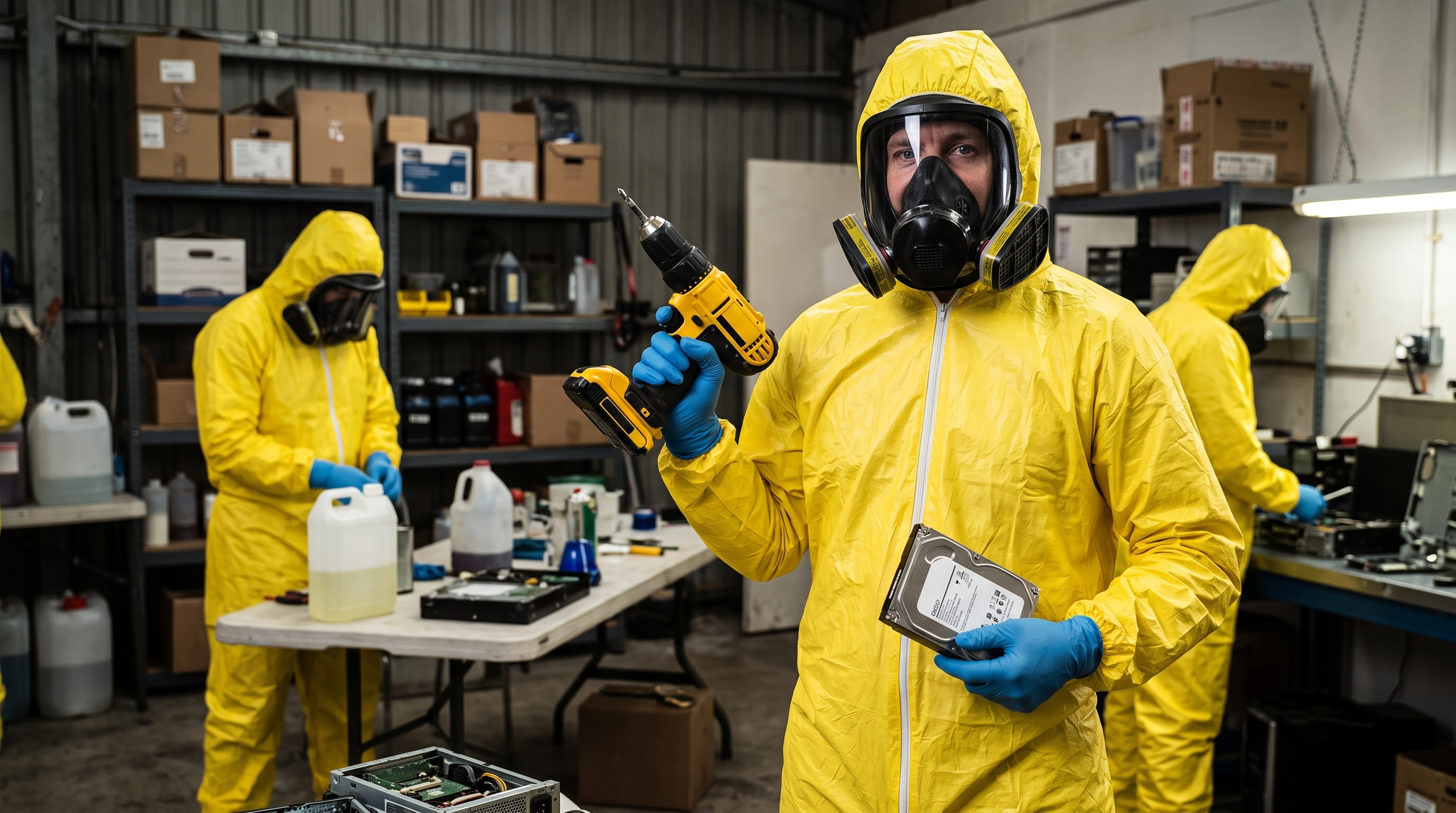
- Wear Appropriate PPE - Eye protection and work gloves are essential
- Drill Through the Platter Area - Target the body, not just the controller board
- Patch the hole with Duct Tape - This is crucial for preventing glass dust and shaving leaks
- Drop Off at an Accredited Victorian Centre - They don't belong in landfill, DON'T PUT IT IN THE BIN
Victorian E-Waste
I've harped on this a bit, but remember that since July 2019, e-waste has been strictly banned from all household and commercial landfill bins across Victoria. Throwing old hard drives into your general office waste or recycling skip can result in significant council fines and environmental harm. All decommissioned hardware must be taken to a designated recovery centre, a local council e-waste drop-off site, or an Vic Government accredited collection center.
Build a Fit-for-Purpose Disposal Strategy
Managing your IT lifecycle should not be a source of stress or guesswork. Whether you need to implement automated crypto-shredding across your company laptops, design resilient storage arrays from repurposed hardware, or establish a compliant e-waste chain of custody that satisfies the Australian Privacy Principles, you don't have to navigate it alone.
Your data security strategy should cover every stage of your hardware's lifespan, from the moment a device connects to your Wi-Fi to the day it enters the recycling bin.
Ready to clean out the server cupboard without compromising your security? Contact our Melbourne team today for Expert Cyber Security Consulting, and let's work together to develop a tailored, fit-for-purpose data disposal and IT resilience strategy for your business.