I guess it's true that everything that's old is new again.
I always assumed that in the world of security things didn't work that way. Every step was supposed to be a step forward, an onwards march that learns from everything that has happened before. OK, let me step back and explain.
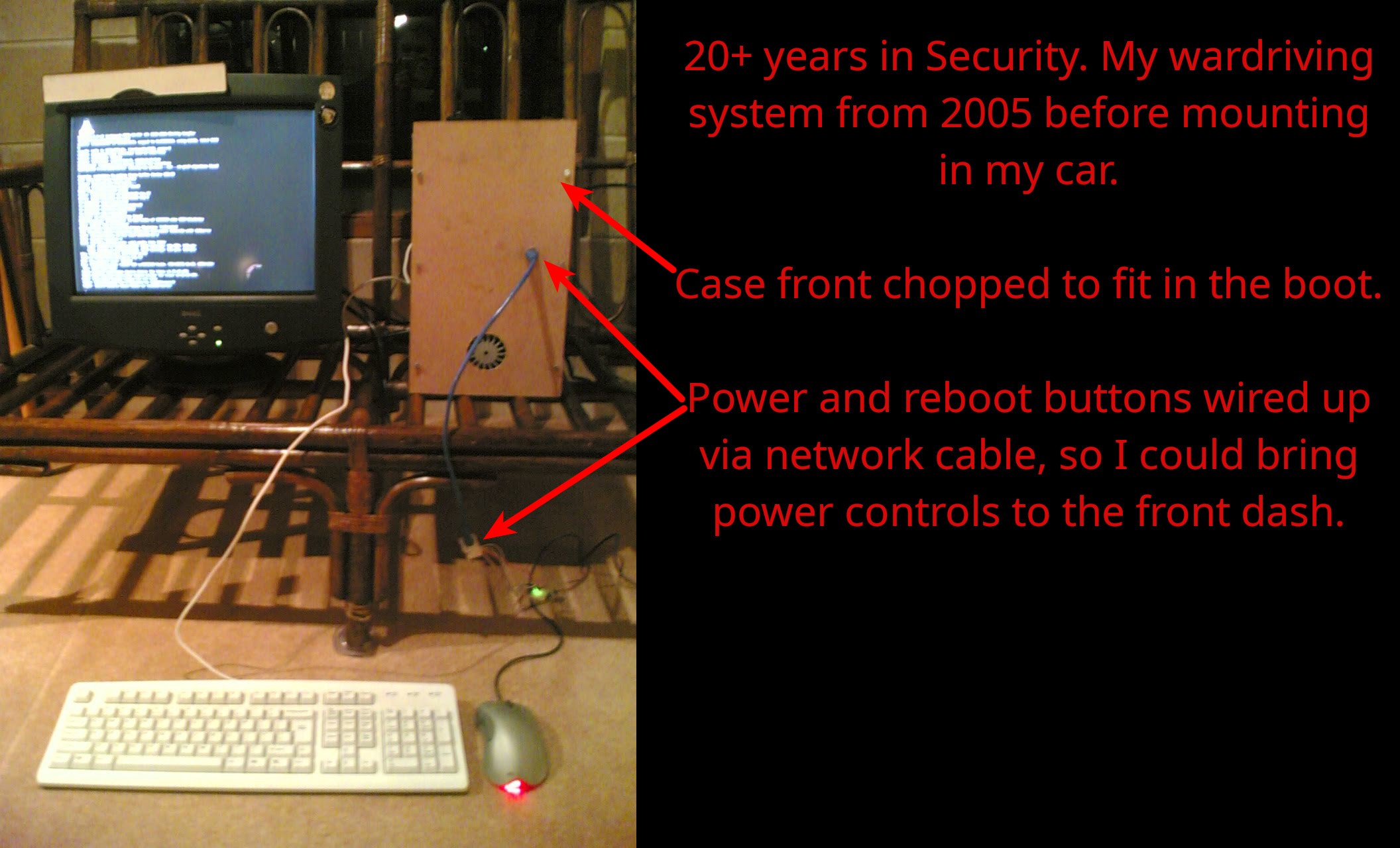
For those grey enough (or in my case bald enough) to remember the early days of Wi-Fi, you may recall that early Wi-Fi routers generally never shipped with a password, and the few that did shipped with a known default. In security communities (particularly wardriving circles) there was a running joke: "The world's largest free and open Wi-Fi hotspot is named 'linksys'". It's something I know well, wardriving (driving around and mapping Wi-Fi networks) was a hobby of mine early in my security career. There were a brief few months many-many years ago where I was Australia's top contributor to wigle.net, the worlds largest Wi-Fi geographic database.
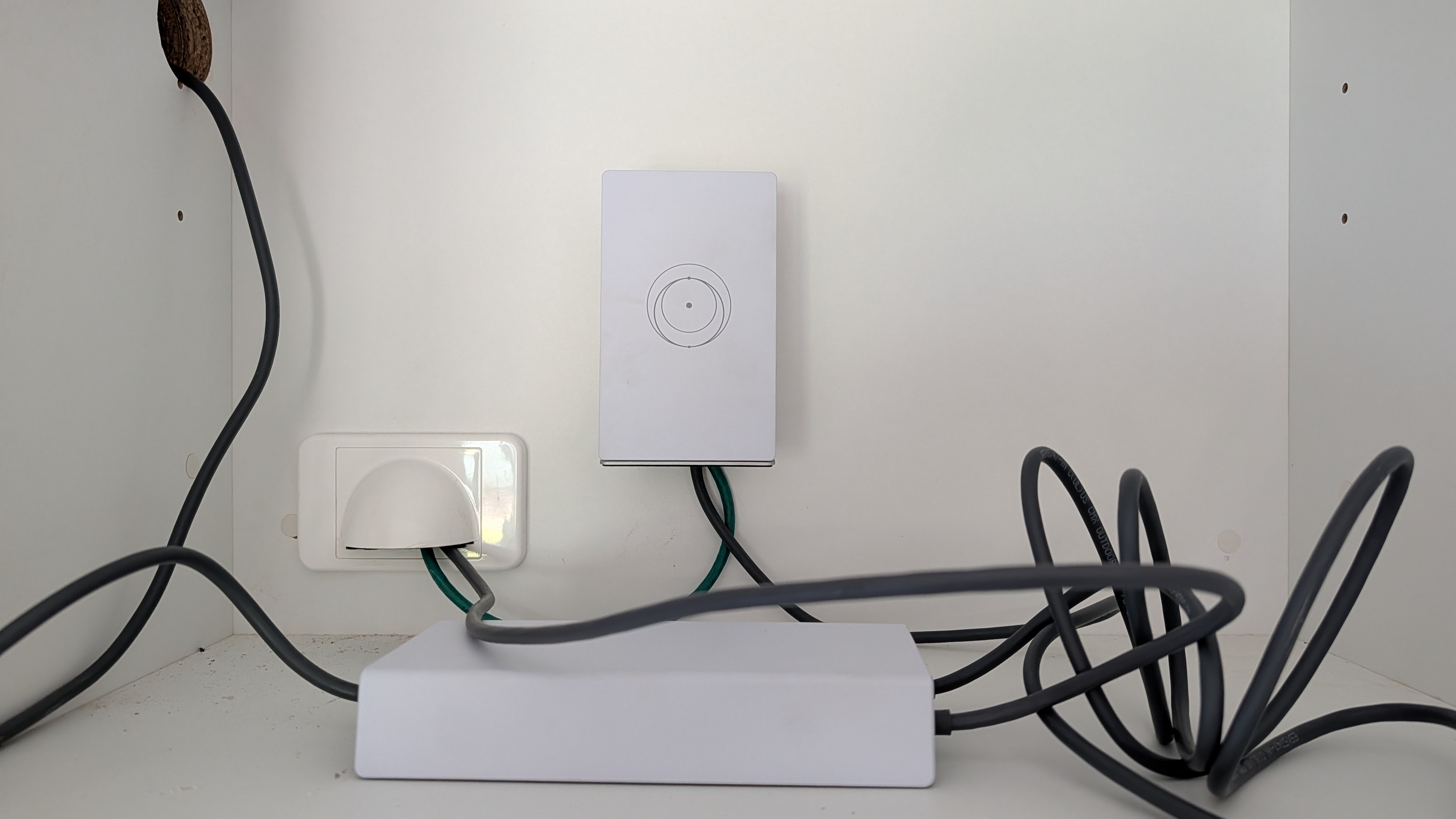
I bring all of this up, because projects like wigle and the ire of the security community eventually forced a change with Wi-Fi router manufacturers. They eventually started shipping random default passwords. Today when you unbox a router it will include a sticker, a QR code, a fridge magnet, a card or a combination of all of the above detailing the Wi-Fi network name (often a manufacturer name and router hardware address combo) and the random password needed to get online. Some equipment even goes a step further (such as Unifi equipment) with no default Wi-Fi configured at all. Setting it up is completely up to you.
So imagine my surprise this week when checking into an AirBNB to discover an strong open Wi-Fi network in the kitchen - 'STARLINK'. I connected and bam, everything was right there; the property's smart TV, ready to be cast to, and far more worryingly, the local security camera system sitting right there on the same network. They did have a seperate (password protected) Wi-Fi network for guests but I actually found myself having to jump back onto the STARLINK network so I could cast to the TV 🤦.
Recent articles may feel like I'm dumping on Starlink as of late. I promise I'm not, but I see it as a critical role running secureAF to speak up when I see both shitty business and/or security practices. In Starlink's recent case it's a bit of both. What worries me in particular where Starlink is concerned - this isn't the first time I've seen the open STARLINK network. There was one nearby while holidaying in Tasmania a year back. There's one near my house. I keep seeing them at random times. In fact a quick search of the wigle.net database for networks named STARLINK with no password/encryption returns 21,440 results. It's less than 1% of the 300,000+ starlink devices on wigle.net's database, but it's also far too high a number in 2026. We sorted this problem decades ago.
The Airbnb Experience: A Peeping Tom’s Paradise
When you run an accommodation business, offering seamless Wi-Fi is practically a requirement. But that seamlessness shouldn't come at the expense of your own infrastructure. In my weekend example, because the Starlink connection was broadcasting an open, unencrypted signal, anyone within physical range of that dish could join the network without raising a single alarm.
I could see the TV and the security cameras, but the implications go deeper. If I had malicious intent, an open network is the absolute perfect playground. There is no barrier to entry. I didn't need to guess a password or hack a router; the door was already open.
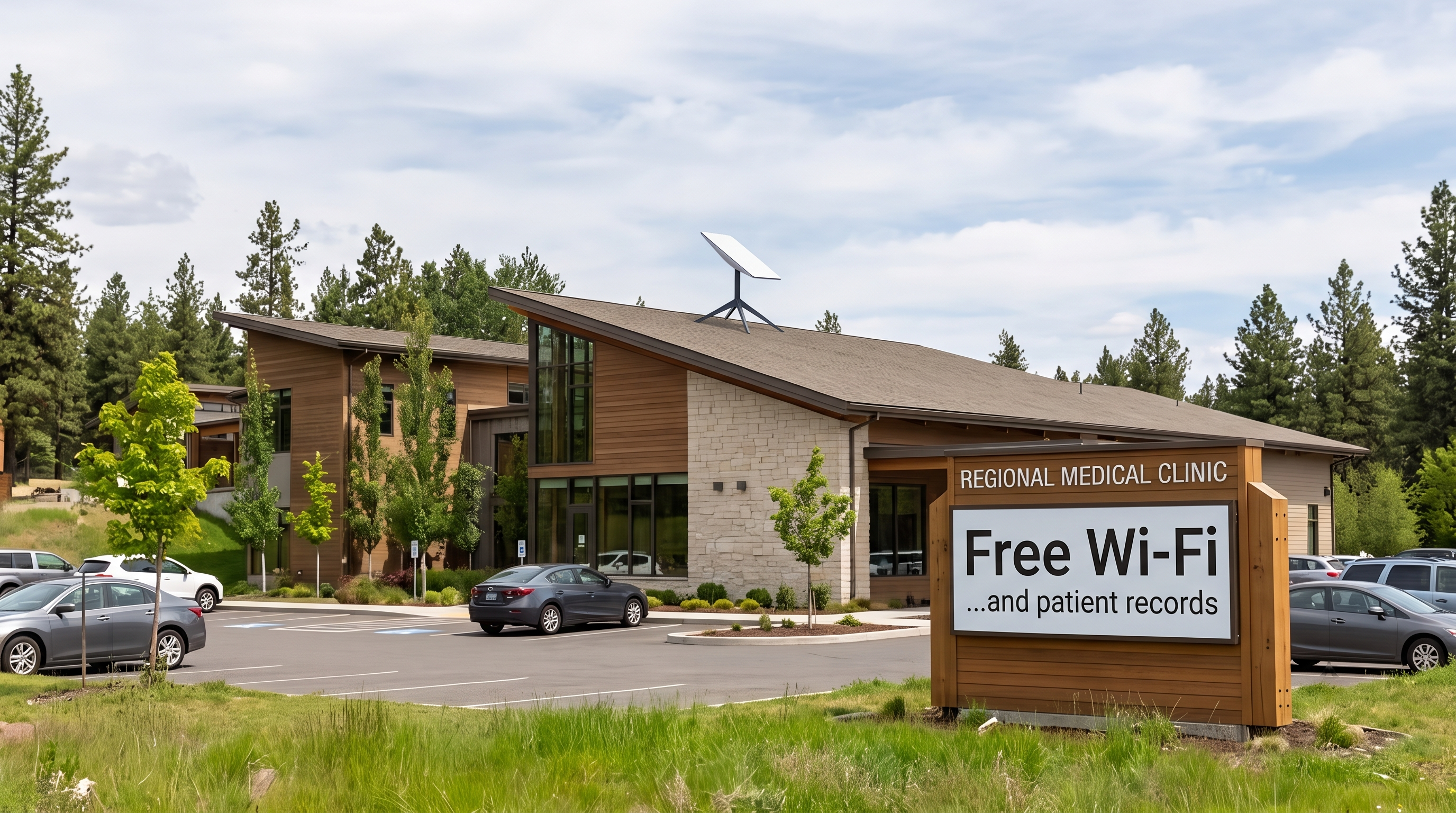
While the Airbnb owner might only suffer bandwidth theft (which is frustrating when you're footing the bill) the issue deepens significantly for other types of businesses. Imagine a regional medical clinic, a local mechanic, or a busy rural cafe running their Point of Sale (POS) terminals on an open Starlink connection. Suddenly, it’s not just about stolen internet; it's about exposing client data, financial records, and core business operations to anyone sitting in a parked car across the street.
The Neon "Open" Sign: The Reality of Open Networks
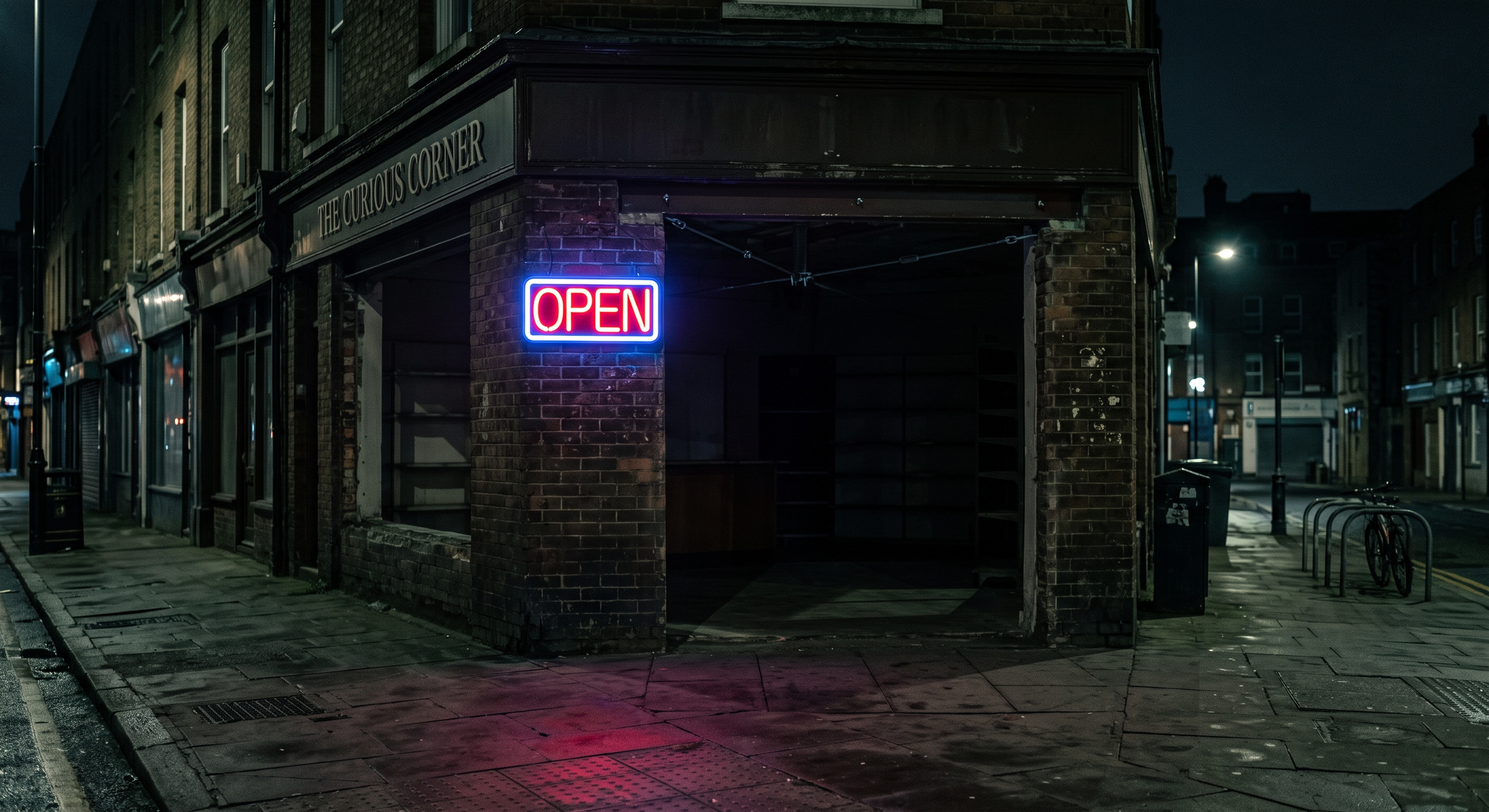
To understand the severity of an open Wi-Fi network, I want you to picture this: Having an unencrypted business network isn't just like leaving your shop's front door unlocked. It is the equivalent of entirely removing the front door off its hinges, plugging in a neon "Open" sign, and leaving it brightly lit 24/7 - even after the owner, the staff, and the security guards have all packed up and gone home for the night. I'm using this extreme sounding analogy because your Wi-Fi network is broadcasting its presence, effectively shouting to any Wi-Fi compatible device "I'm here!".
In the cybersecurity world, Wi-Fi networks are protected by encryption protocols (you've probably seen terms like WPA2 or WPA3). When a network has a password, the data travelling through the air between your laptop and the router is scrambled.
When a network is open, there is absolutely zero encryption. Everything sent over that network is sent in plain text. Think of it like sending private business documents written on the back of a postcard through the public mail system. Anyone who handles it (or in this case, anyone with free, easily accessible "packet sniffing" software on their laptop) can read exactly what you are doing. They can intercept passwords, intercept unencrypted emails, access shared business drives, and easily compromise your digital workspace.
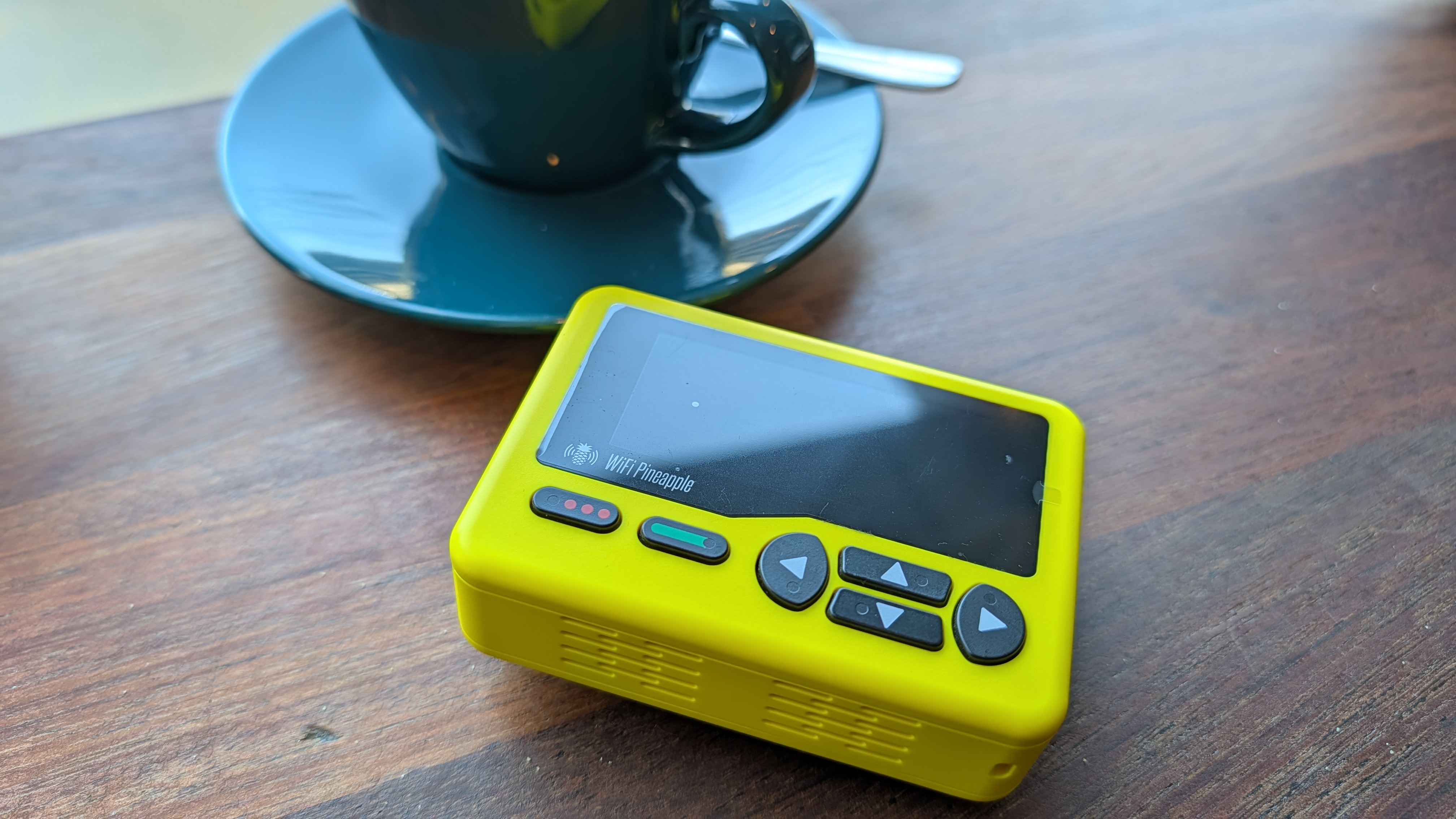
Pocket sized devices such as the Wi-Fi Pineapple Pager (pictured below) take this one step further, making packet sniffing as convenient as pulling out your mobile phone.
The Convenience vs. Security Trade-off
You might be wondering: Why on earth would a modern, cutting-edge piece of technology like Starlink ship with an open network?
The answer boils down to one word: convenience.
When you purchase a Starlink kit, the goal is to make the setup process as frictionless and "idiot-proof" as possible - "I just set up satellite Internet all by myself - this feels like the future!". By broadcasting an open "STARLINK" network the moment it is plugged in, the user can immediately connect their smartphone, download the app, and finish the configuration.
The fatal flaw in this design is human nature. Once the internet starts working, many people simply stop the setup process. They start browsing, streaming, and working, entirely forgetting (or never realising) that they need to actively go into the settings and configure a Wi-Fi password. Decades of industry standards (where routers shipped with unique, complex passwords printed on a sticker underneath the device) are bypassed so that setup can take five minutes instead of ten. For a home user, it's a risky oversight. For an Australian small business, it's a critical vulnerability that breaches standard privacy obligations.
Put that door back on its hinges - and lock it
The good news is that securing your Starlink connection is completely within your control. You don't need a degree in computer science to put the front door back on your business.
If you are currently running an open Starlink network, here is how you fix it right now:
- Open the Starlink App: Connect to your network and open the app on your phone.
- Navigate to Settings: Tap on 'Settings' and then select 'Network' or 'Wi-Fi'.
- Set a Strong Password: Change the network name (SSID) to something professional, and set a robust WPA2 or WPA3 password. Make it a combination of words, numbers, and symbols.
- Save and Reconnect: Save the settings. Your dish will reboot, and you will need to reconnect all your devices using the new password.
And this doesn't apply to only Starlink. While the nuance of exactly what to click and when may change, the basic steps listed above are consistent across multiple brands of Wi-Fi equipment. If you're running an open Wi-Fi network (not talking about public customer hotspots) then it's time to fix that now.
About that lock...
While adding a password is the critical first step (reinstalling the door in this analogy), true business security requires a bit more architectural thought. A standard Starlink router is great for getting you connected to space, but it lacks the advanced features required to properly protect a business.
If you are running a business, you shouldn't be relying on the out-of-the-box router anyway. You need a dedicated, secure business router and firewall sitting between your Starlink dish and your local network. This allows you to create separate "Virtual Local Area Networks" (VLANs). In plain English? It means you can have one secure, password-protected network for your staff and POS systems, and an entirely separate, isolated network for your guests or customers. If a guest does something silly (or malicious), they can't see your security cameras, and they can't access your business data.
Reaching for the stars
Starlink is a game-changer for regional connectivity, but its default open Wi-Fi setting is a glaring security blind spot that undoes years of cybersecurity progress. Leaving your network open is quite literally removing the doors to your business and inviting the world inside.
By taking five minutes to set a strong password, you instantly elevate your security from non-existent to standard. But if you want to ensure your business operations are truly locked down, isolated from guest traffic, and built for resilience, it's time to look beyond the basic setup.
Don't leave your business wide open. If you want to ensure your network design is secure, reliable, and tailored to your specific needs, book a free consultation with secureAF today. We’ll help you build a network that works exactly the way you need it to - safely and securely.