
We spend a lot of time advising Australian businesses on how to protect their hard-earned assets, so if sharing is caring (the original title for this post) then it's time we pull back the curtain and show you exactly what we use to protect our own. A few years ago, we wrote a post titled Technology we use: on the road again. The threat landscape has evolved significantly since then, and it is time for a much fuller and more comprehensive update.
Before we dive into the details, there are a few housekeeping matters to get out of the way:
- secureAF is proudly part of Intrinsic Security Pty Ltd. This means that when we evaluate security tools for our own use, we are applying protections designed to satisfy the strict requirements of large enterprises, while simultaneously making sure they are practical enough for small business operations.
- We are a fiercely vendor-neutral consultancy. We are sharing the specific brands and products below in the interest of total transparency. This is not a mandate for you to rush out and purchase these exact items, but rather a look into the product categories we trust and the operational problems they solve.
- We've broken things down into themes, and given an "elevator pitch" on each. If you want to know more about anything below, feel free to reach out.
1. Identity and Access: Proving We Are Who We Say We Are
Passwords are fading and for good reason. They are stolen by the millions every day, you can be tricked into giving them out and most people use the same one (or similar versions) everywhere. While the industry is moving on (something else we've touched on before) a practical solution to managing this mess of credentials is needed. For this, we rely on a combination of hardware and software.
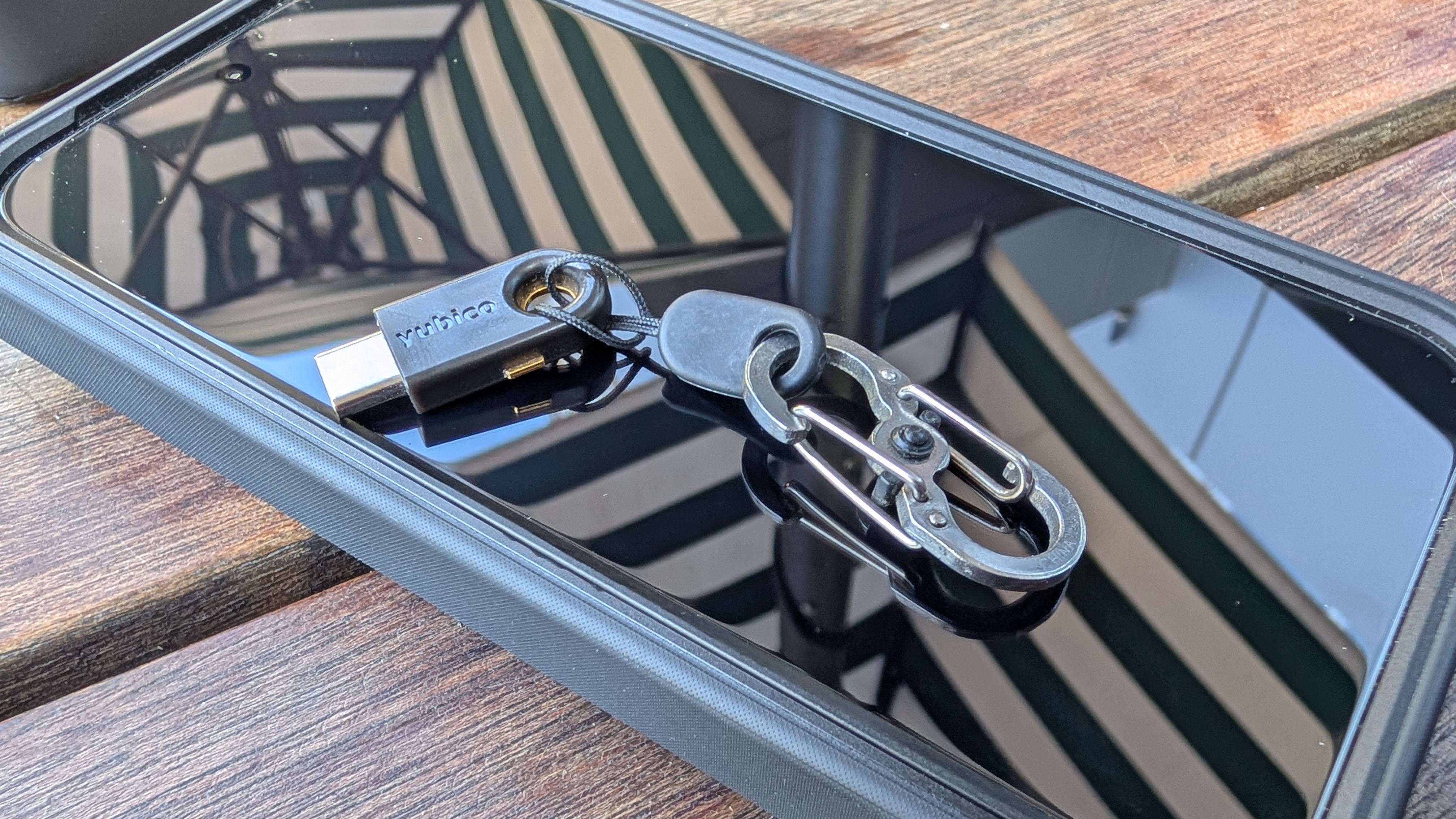
- YubiKey for Critical Multi-Factor Authentication (MFA): We mandate the use of physical YubiKeys for our most critical logins. This includes our primary work accounts, sensitive administrative tools, and our password manager itself. A YubiKey provides hardware-based, phishing-resistant authentication (often via Passkeys). Even if a malicious actor steals a password, they cannot log in without physically touching the key plugged into our machine.
- Bitwarden Password Manager: For times where a traditional login needs to be secured (I did say fading, not gone), or where a software-based PassKey is acceptable, we use Bitwarden. It acts as our secure, encrypted vault for day-to-day operations.
Think of the YubiKey as the unforgeable master key to the bank vault, and Bitwarden as the highly secure filing cabinet where we manage our daily paperwork.
2. The Modern Workspace: Securing the Device and the Browser
I need to disclose something of a professional bias before I get started on this topic. Looking back at this blog there are quite a few posts where I have shared my frustration with Windows 11 and the directions Microsoft is taking - maybe this one encapsulates it best. This isn't to say I'm an alternative OS fanatic who looks down his nose at Windows. I actually have a long and storied relationship with the OS - starting my career building out business environments in the Windows 3.1 days (yes, you read that right) and continuing to build, run and secure Windows networks up to today (Just to be clear: Build and Run is not something we offer here, we're not trying to be an MSP - that's something only family-run businesses get). All of this is my long-winded way of saying the decisions we have made to avoid Windows are suitable for our business, but we recognise it may be a bridge too far for some.
The enabler to this of course is the realisation that the days of needing a specific operating system just to run business software are largely behind us. Today, most services are delivered directly through a web browser. This shifts the security focus from software compatibility to system control and data isolation.
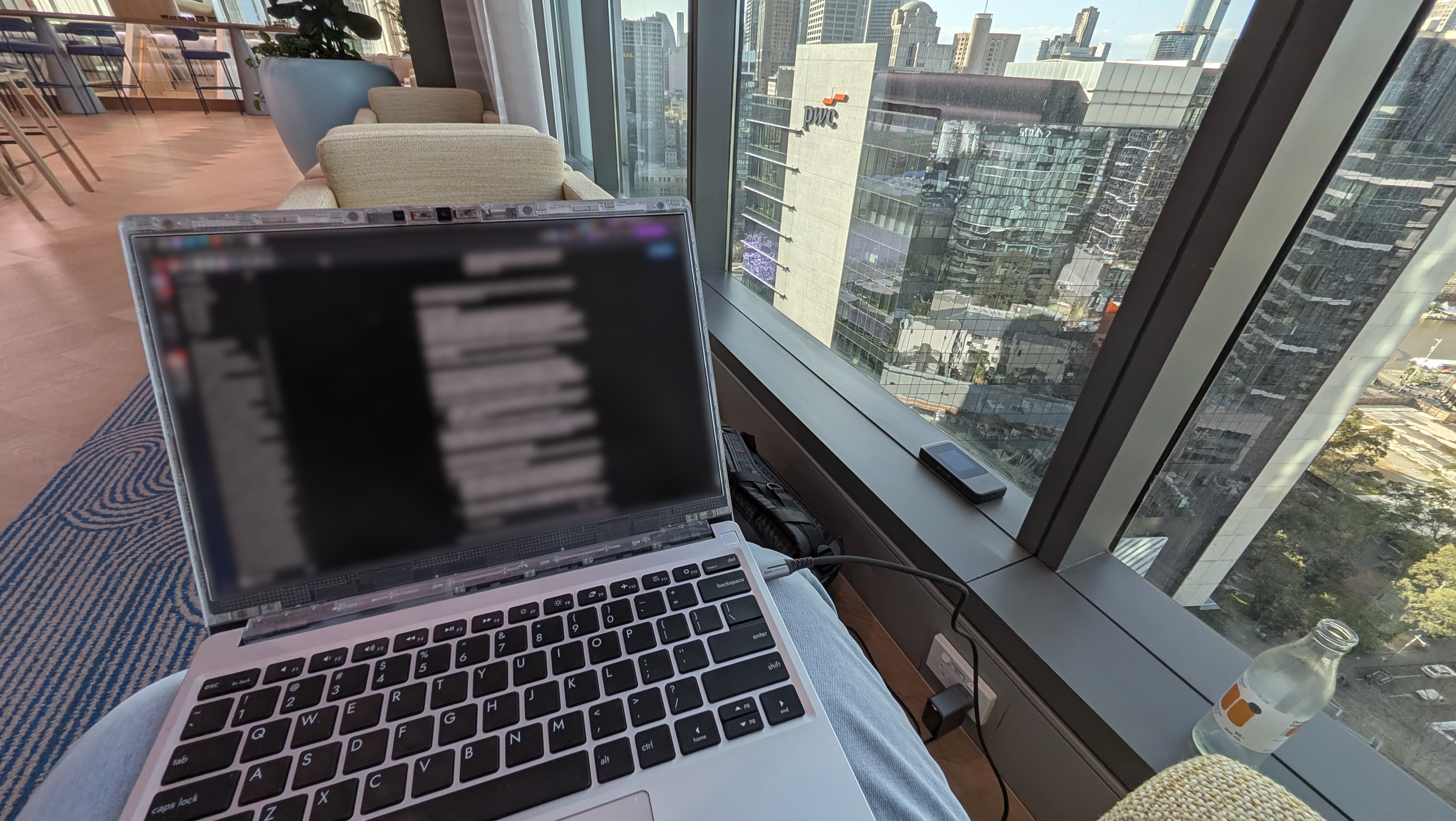
- Operating Systems We Trust: We use Linux as our primary business operating system. The distribution we use features no telemetry (background data collection) whatsoever and gives us absolute control to lock the system down. Not every client is configured for consultants using Linux, and in those instances we use macOS as our fallback option, as it also features limited telemetry. Both systems have the distinct advantage of supporting native step-up authentication, adding an extra layer of local security.
- GravityZone BitDefender: Just because we use highly secure operating systems does not mean we rest on our laurels. We take added precautions by deploying GravityZone BitDefender as our next-generation anti-virus. It provides advanced threat detection to catch sophisticated attacks that might slip past basic defences.
- Wavebox Browser for Session Isolation: When managing multiple clients, data contamination is a real risk. We use the Wavebox browser for simplified account isolation. It ensures that data, cookies, and active sessions related to one client are never accessible in the browser window of another client. Everything remains strictly compartmentalised.
- Your Computer: Of course that's all cute, but some clients (in particular large enterprise clients) won't accept anything less than one of their own secured laptops. In those instances we just use that. It can make logistics a bit more challenging and necessitated the purchase of multiple vertical laptop stands to keep them all organised, but if that's what's needed then that's what we do.
3. Connecting Safely: From the Home Office to the Highway
A secure laptop looks a lot less secure the moment it connects to a malicious network. Now to be clear, we have built our environment assuming there is no network security, that every network is potentially hostile. We still treat connectivity with extreme caution, whether we are working from the living room or a regional cafe.
- UniFi Network Stack and VLANs: For our Work From Home (WFH) environments, we deploy a full UniFi network stack. A critical feature of this setup is the use of Virtual Local Area Networks (VLANs). A VLAN allows us to logically separate our business assets from the general home network. Your work laptop should never share the same digital space as a vulnerable smart TV or a child's gaming console.
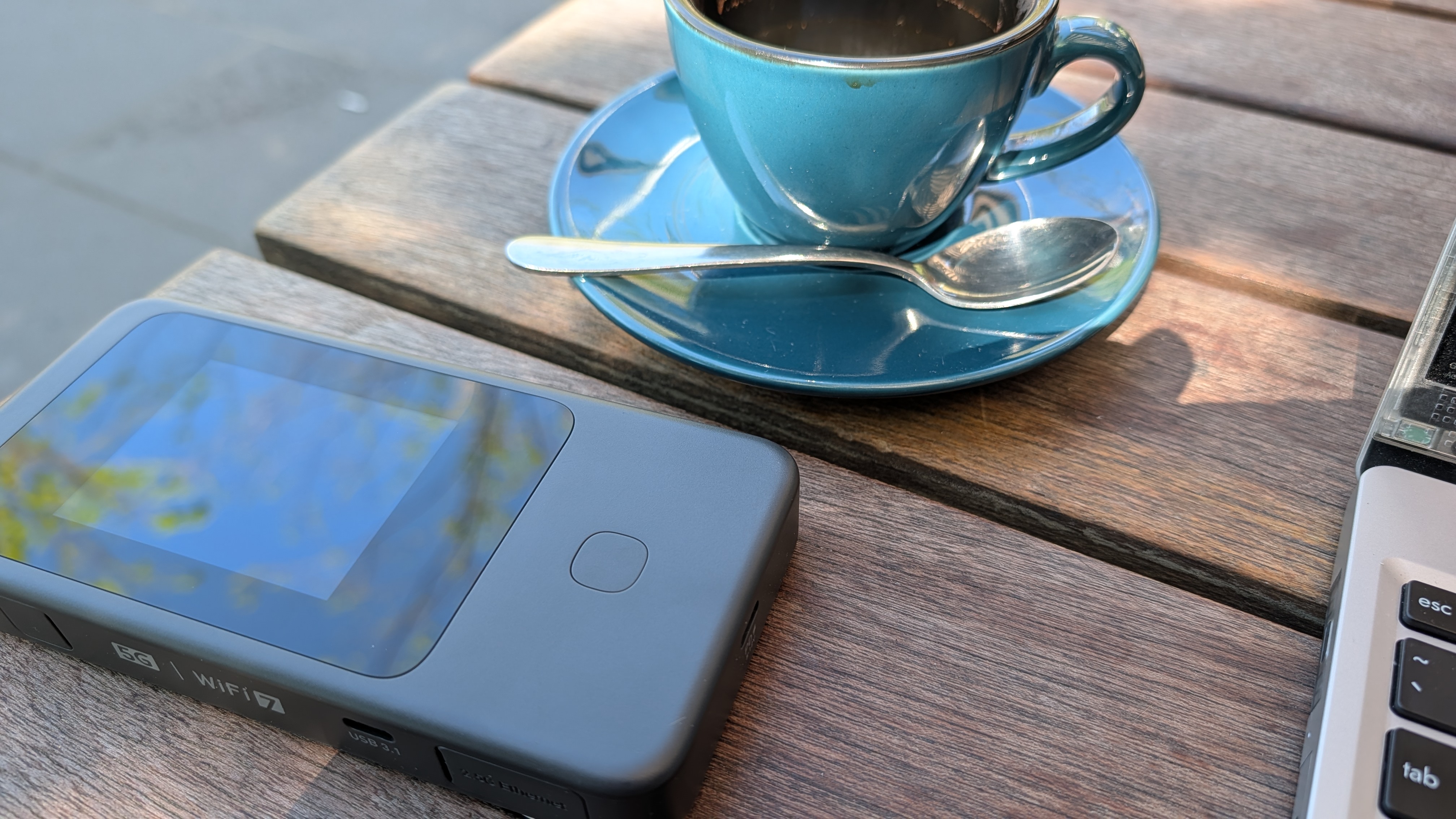
- GL.Inet Mudi 7 Mobile Router: When we travel, we operate under the assumption that all public Wi-Fi is potentially hostile and prone to interception. Instead of risking a public connection, we use the Mudi 7. This dedicated device provides secure 5G connectivity back to our base. For times when a hostile network absolutely cannot be avoided, the Mudi 7 is used for its built-in VPN to encrypt all our traffic and route it safely back to our trusted network.
4. The Last Line of Defence: Secure Backups
We have spoken on the blog before about the reality of data loss. I'll say it again: cloud file sync is not a true backup. If ransomware encrypts your local files, a syncing service will simply copy those encrypted, ruined files straight into your cloud storage. True resilience requires offline, immutable backups.
- UniFi NAS for Local Storage: We use a UniFi Network Attached Storage (NAS) device for our local, rapid-recovery backups. We ensure full disk encryption is enabled to protect the data at rest, meaning that if the physical hardware is ever stolen, the data remains entirely inaccessible.
- iStorage diskAshur for Offline Resilience: This is our ultimate fail-safe. The diskAshur is a hardware-encrypted solid-state drive. To even boot the drive and allow a computer to recognise it, you must physically enter a PIN code on its built-in keypad. We use these for offline backups, which are then immediately locked inside a physical safe. In the past, as the Chief Information Security Officer (CISO) protecting heavily regulated entities, I mandated these exact devices as the only authorised encrypted USB solution. It was one of the very first operational purchases I made when starting this venture.
Building Your Own Resilient Stack
Security is not about buying every shiny tool on the market. It is about layering your defences practically. By combining strong identity verification, isolated networks, and rigorous offline backups, we ensure our business can operate securely from anywhere in Australia.
While the enterprise-grade stack we run might be more than your specific operations require, the underlying principles apply to every micro and small business. If you want to discuss how to right-size these security concepts for your own team, book a free consultation with secureAF today.